
Telehealth
Use your own room or video link. Bilby sends it with each reminder, and looks after the booking, the note and the claim.
Telehealth takes three steps to set up.
Add your link once, and every telehealth appointment carries it from then on.
Add your link
Put your own room or video link on your practitioner profile.
Book it as telehealth
Tick telehealth when you book, or have an appointment type such as a telehealth review start that way.
The link goes to the client
The SMS and email reminder says “Join online” with your link, and the client portal shows it on the appointment.
Bilby sends your link with each reminder.
Reminders go out on their own, by SMS, email or both. For a telehealth appointment they include your link, and clients can reply YES to confirm.
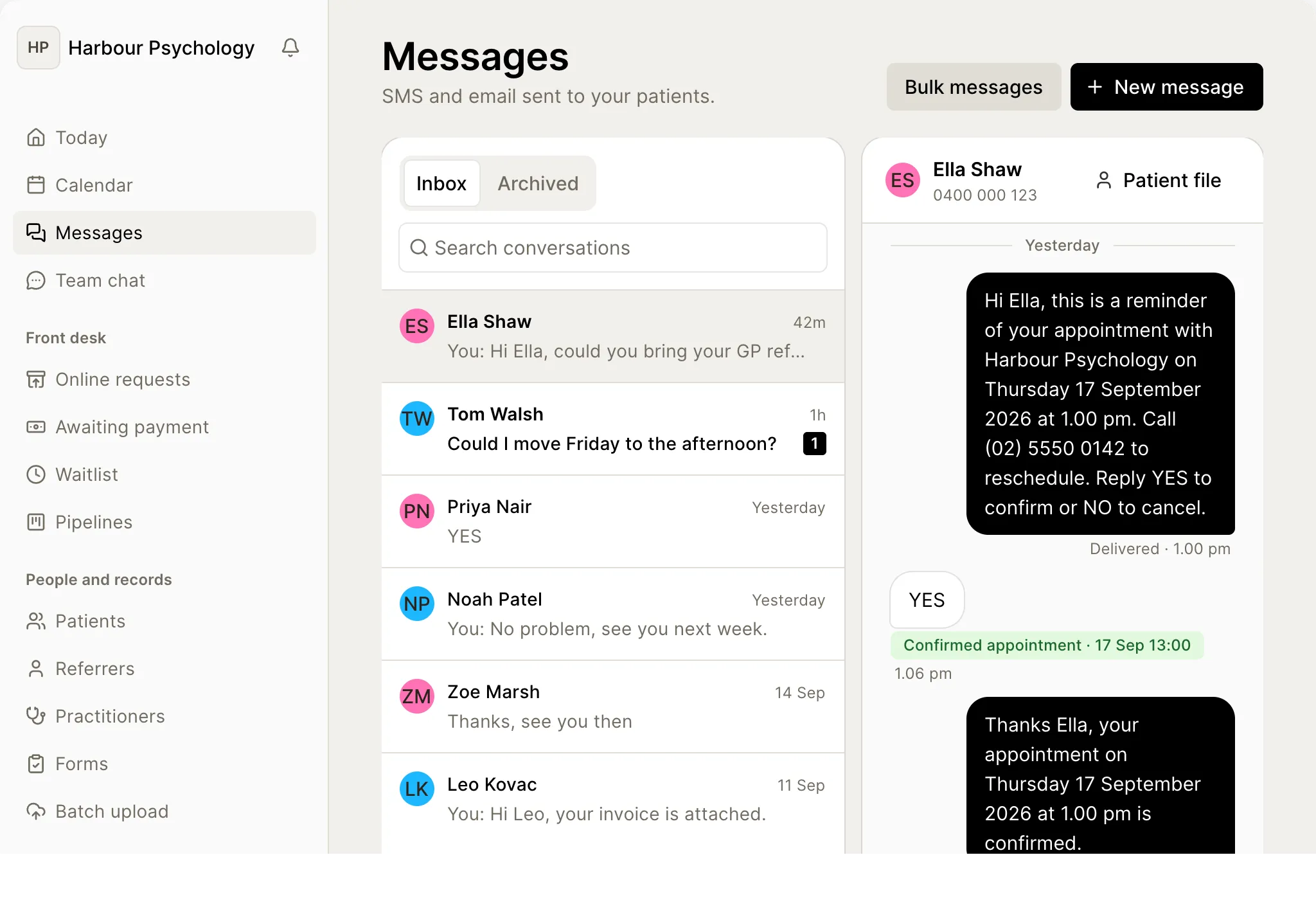
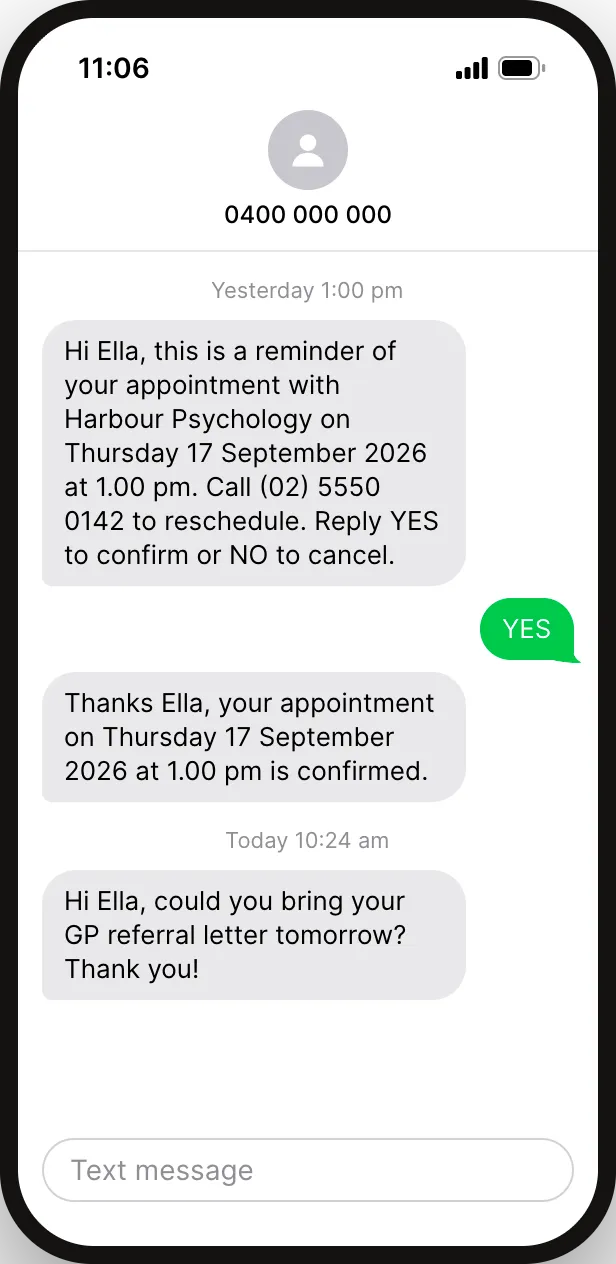
Bilby looks after everything around the session.
You bring the video. Bilby handles the forms, the note, the invoice and the claim.
Any video service with a link
Use the video service you already have. If it gives you a room or meeting link, Bilby can send it.
Your home address stays private
Mark a home office as a private location, and clients see “Telehealth” instead of the address on letters, invoices and reminders.
Claimed like any session
Bulk bill or claim the patient rebate from the invoice, as for a session in the room, at no extra fee.
Notes, forms and payments
Send forms before the session, write the note after, and take payment by card or payment link, the same as in the room.
No extra subscription
Telehealth bookings, reminders and the link in the portal are part of the plan. Your video service is billed by its own provider.
Questions on telehealth.
Does Bilby have built-in video?
No. Bilby doesn’t have a built-in video tool. It works with your own room or video link, and handles everything around the session: the booking, the reminder with your link, the note, the invoice and the claim.
Which video services work with Bilby?
Any service that gives you a room or meeting link. Add the full web address to your practitioner profile, and Bilby includes it in reminders for telehealth appointments.
Does the client get the link automatically?
Yes. For a telehealth appointment, the reminder includes “Join online” with your link, by SMS, email or both. If your practice uses the client portal, the link is on the appointment there too.
Can I claim Medicare for telehealth sessions?
Yes, if you’re eligible to claim. Set up fees with the MBS items you use for telehealth, then claim from the invoice as for any session. Bilby charges nothing extra per claim.
Will clients see my home address?
No, if you mark that location private. Clients then see “Telehealth” instead of the address on letters, invoices and reminders. Medicare statements still show it, and Bilby warns you before you print or email one.